

Boom! The thunderous crash seemed to coincide with the brilliant flash of light outside the back bedroom window around 9:30 p.m. on April Fool’s Day of 2026. A lightning bolt had struck quite near Meador Manor.
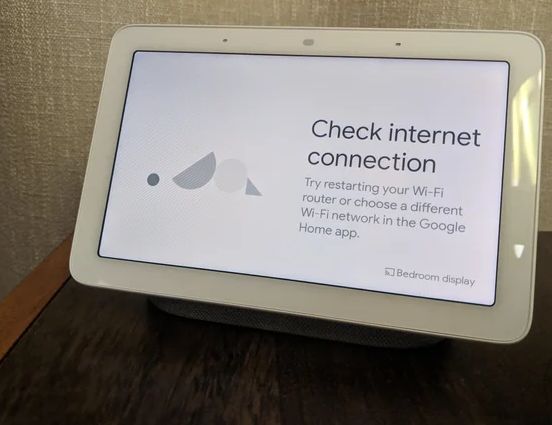
The cable modem lost its connection for over ten hours, but I made do using my iPhone as a hotspot for my iPad to complete my morning aerobics with a 1990 recording of Everyday Workout on YouTube.
By 8:30 a.m. the following morning, everything seemed normal. That was Good Friday, and I took a break from my workday morning aerobics. So I didn’t try to use the television until the following Monday…yeah, we just don’t use it much.
You’re Grounded!
Three months earlier, I had replaced the antenna on the roof to restore broadcast television to Meador Manor. In the process, I had checked that that the grounding wire from the mast still led down to an old ground block for the antenna’s coaxial cable and from there on to a grounding rod I had pounded into the earth over thirty years back. While that prevented the lightning bolt from striking our antenna, it still left the television vulnerable to a nearby strike.
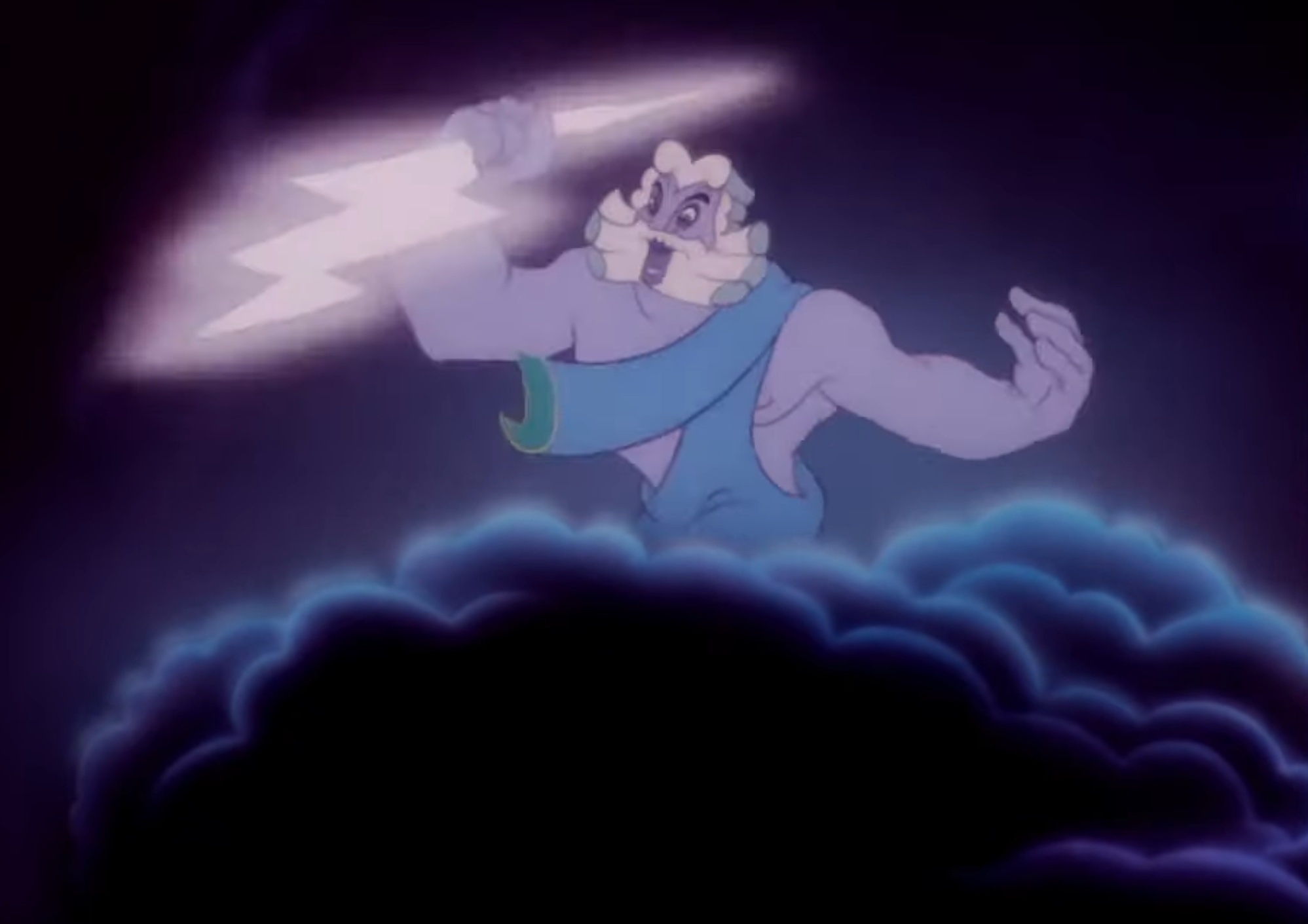
For the first time in 31 years, Zeus threw a bolt so close to the house that it charged the ground enough to create a large potential difference between the grounding rod for the antenna and the grounding rod for our home’s electrical service. That zapped the electronics in the television.
I had purchased that television in 2017 for $1,600. So that worked out to about 50 cents per day for the 8.5 years between its installation and its demise. I immediately decided to buy a replacement, and I took the broken one to the annual Operation Clean House recycling event in mid-April.
Sunk Cost Fallacy
Before installing a new television, it was time for me to make a decision about the antenna. I wasn’t willing to have the new set zapped by a stray bolt, so I either needed to a) bond the antenna’s grounding with Meador Manor’s main electrical ground, which is a considerable distance around the house from there, b) only hook up the antenna lead if and when we want to watch broadcast signals and there are no thunderstorms, or c) take down the antenna and do without over-the-air reception.
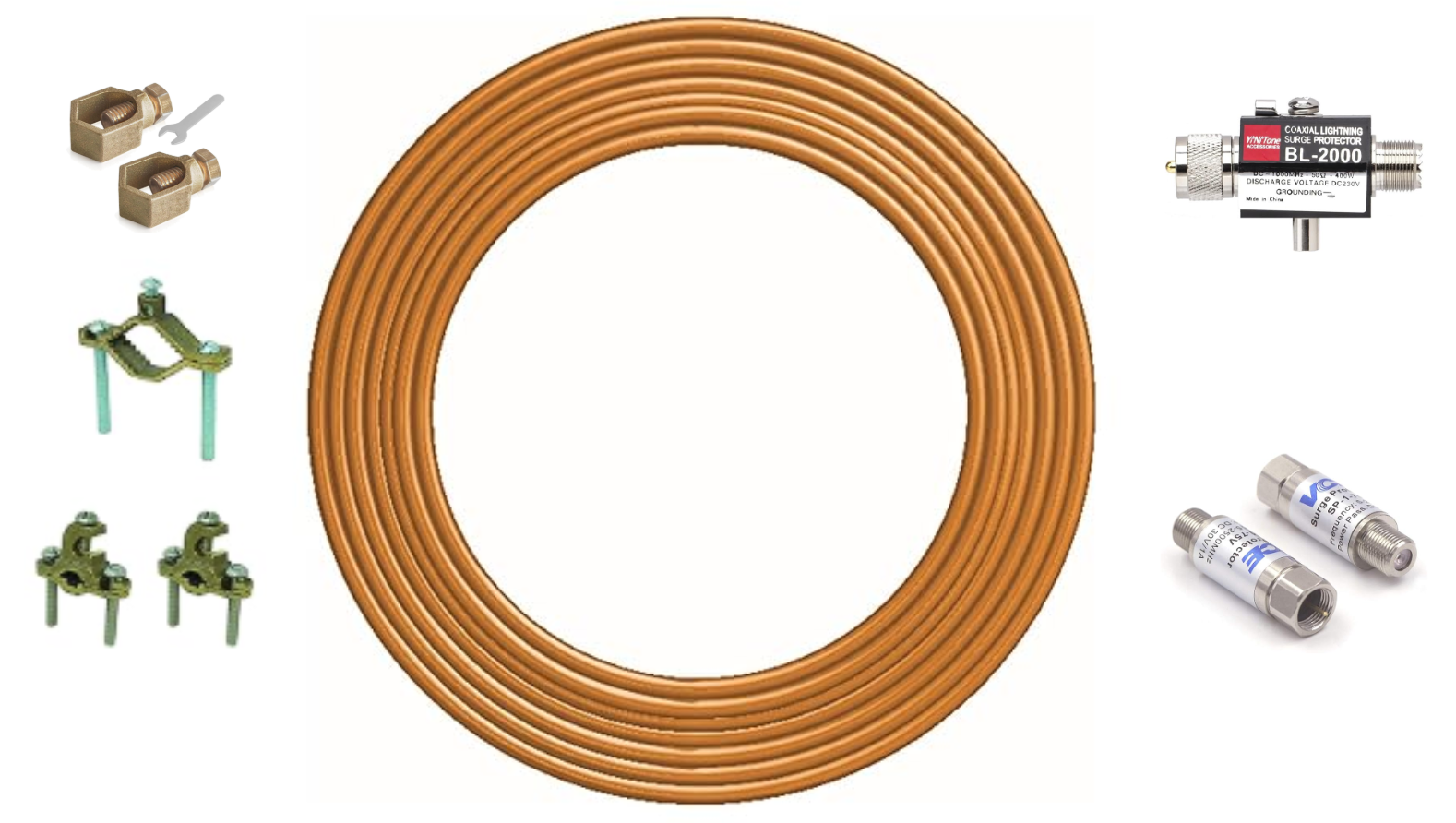
The sunk cost fallacy of having already invested in a new television antenna led me to give serious thought to using 6-gauge solid copper wire, bronze connectors, and lightning arresters to upgrade the grounding system. I went so far as to order the necessary equipment from Amazon.
But the more I thought about it, the less that made sense for us. It had been two months since I had installed the replacement antenna and booster, restoring access to dozens of channels. They had not only been available on the television but also on our iPads via the HDHomeRun appliance. Yet we had not watched anything, save for a single rerun of The Adventures of Superman I had recorded and watched with the HDHomeRun as a test.
I wasn’t looking forward to running a bunch of new copper wiring around the perimeter of the house to bond the two grounds, and some home improvements planned for later this year would require taking down the chimney-mounted antenna for awhile anyway and might render the antenna ground rod unusable in its current location.
It would be simpler to just rely on the cable modem’s internet service for the television. When weather or some other failure takes that offline, we can still use our iPhone hotspots for cellular access to Tulsa news broadcasts on the iPhones and/or iPads, and we have our battery-powered weather radio in our tornado warning closet to listen to KWON.
Wendy agreed to my returning the grounding equipment and disconnecting the antenna’s coaxial cable from the signal booster. I unplugged the booster’s power, and someday the antenna will come down for good.
I’ll confess to being a bit sad at giving up on over-the-air broadcasts, but I realize that for the past decade, less than one-third of U.S. households have had antenna reception, and in 2025 TVTech shared how antennas were used by less than 1/5 of the overall population. I finally capitulated to Zeus and technological evolution.
The LG OLED Is Dead; Long Live the LG OLED!
I always liked the 55″ LG television with its organic light-emitting diodes (OLED) providing high contrast and wide viewing angles. Reviews said that OLED still offered superior picture quality to even quantum dot light emitting diode (QLED) sets, and Consumer Reports and other sites highly recommended OLED units from LG or Samsung.
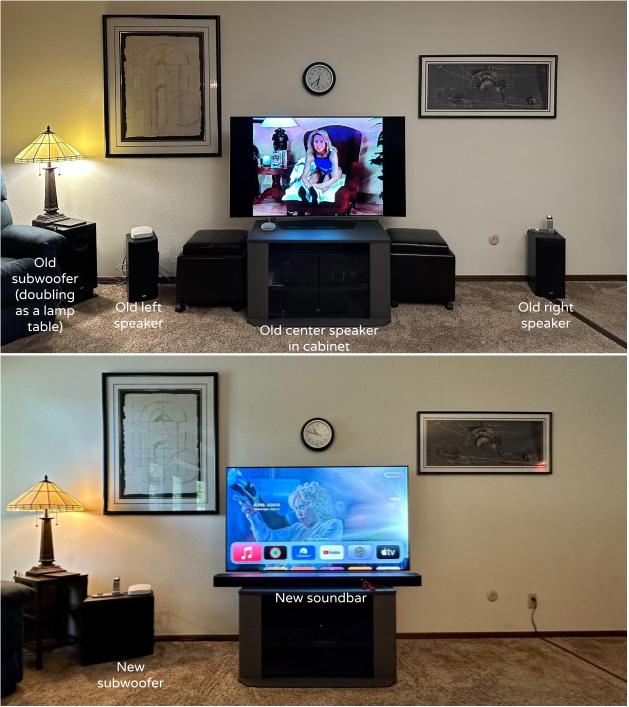
I wasn’t interested in anything larger than our existing 55″ unit, given our seating distance and the scale of the living room, and a glance at Samsung’s Tizen Smart TV operating system put me off that. Another push toward getting another LG set was my replacement of the old surround system with one from LG in September 2025.
So I wound up just buying another 55″ LG OLED. I avoided a $2,000 2026 model and an extra-bright 2025 model costing $1,900. I bought a more cost effective 2025 model, the OLED55C5PUA, for $1,200, with peak brightness that still exceeds that of our 2017 set.
The New TV
The 2017 and 2025 televisions look nearly identical from the front, although the base, mostly hidden behind the soundbar, has changed and the electronics on the back of the panel are now more compact and covered in black plastic rather than white.
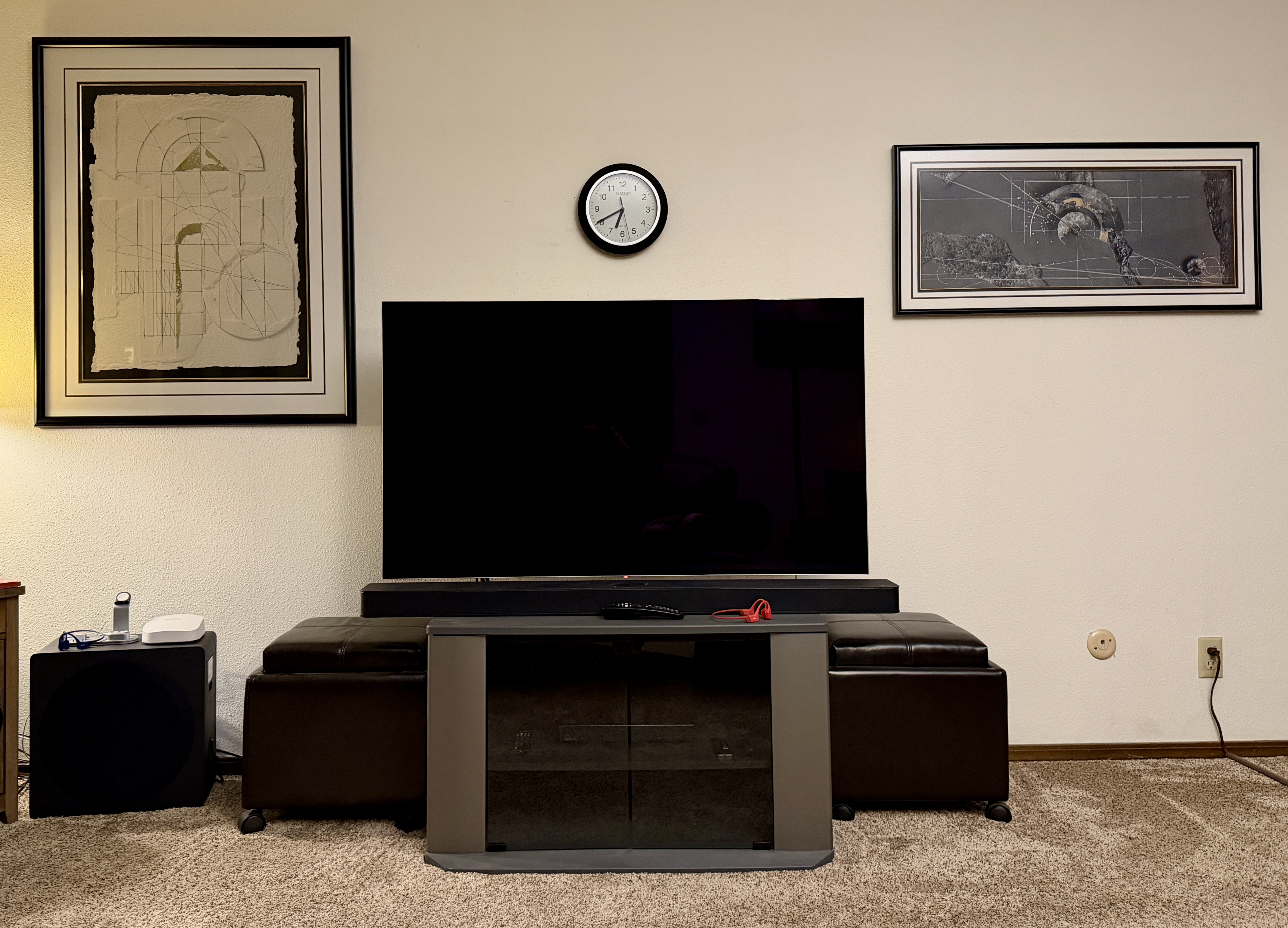
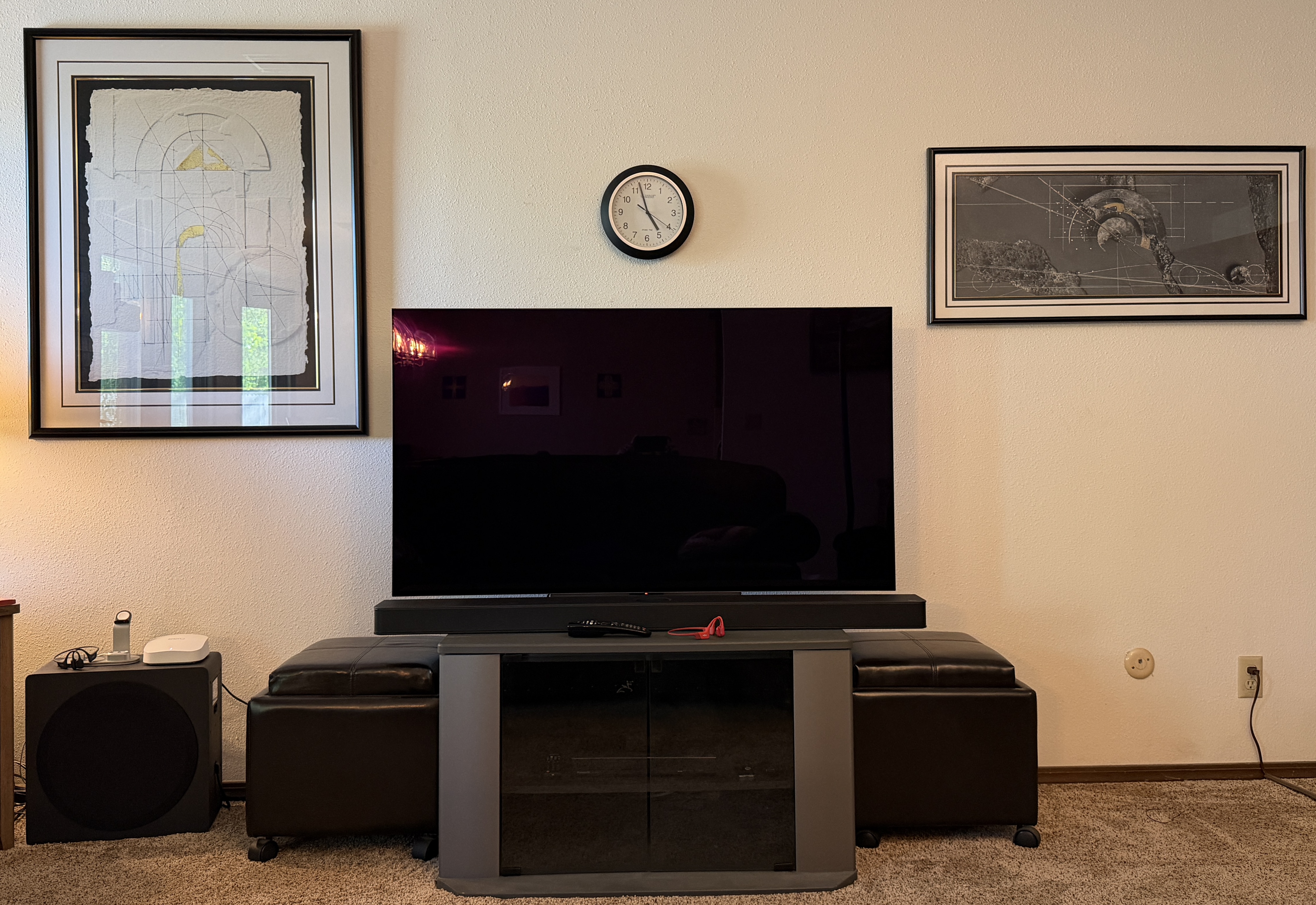
Setting up the new television went fine. I didn’t need to consult the on-screen help much, except to see what the different buttons on the remote control did, and I didn’t look at the online user manual, let alone the ugly and very limited print manual available on their website.
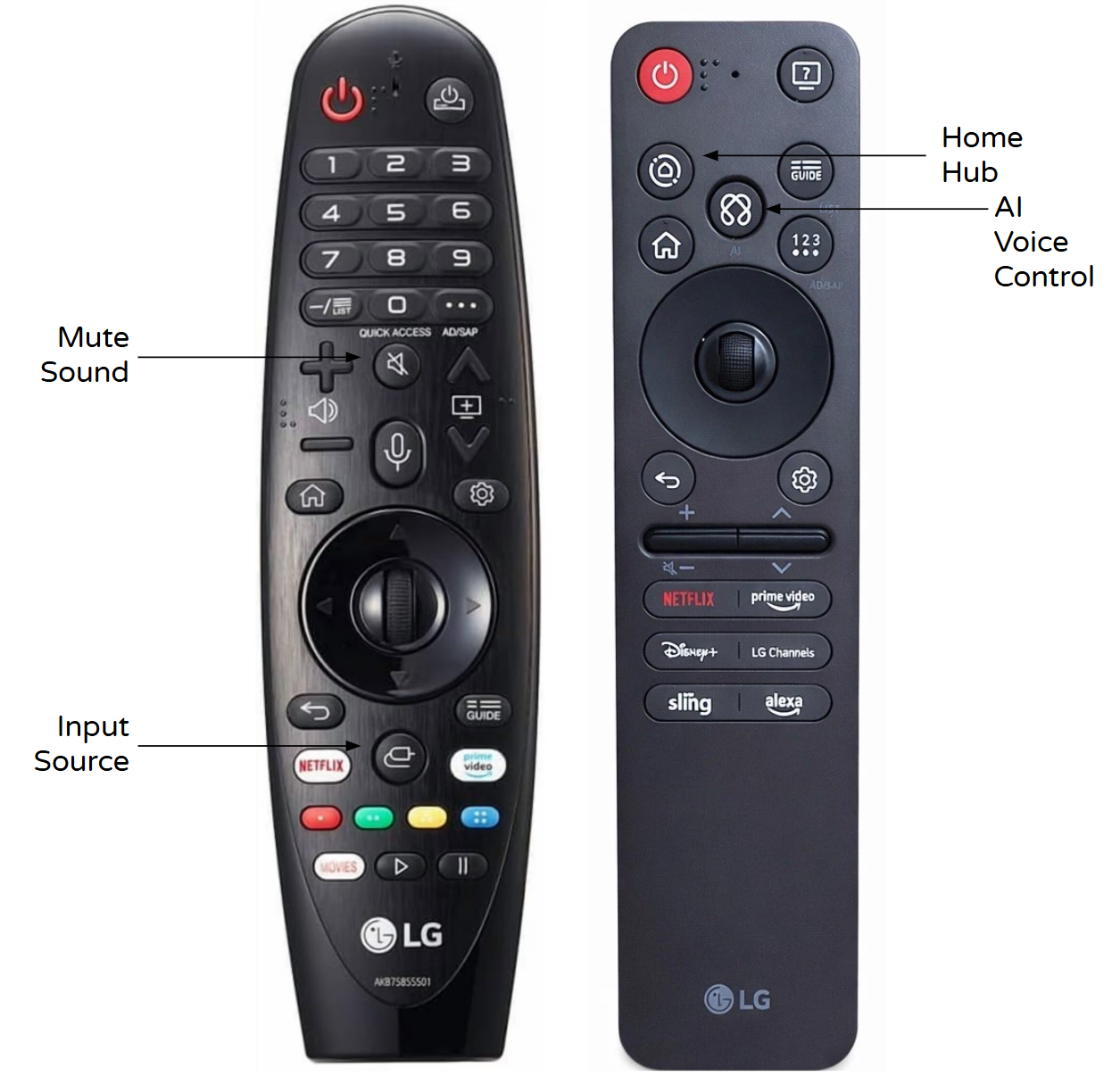
I noticed that the new Magic Remote had fewer buttons, reflecting the ongoing loss of market share for broadcast and cable channels to streaming services. The new one lacks a number pad, an input source button, and mute button, but tripled the number of buttons dedicated to various streaming services…and we only have an account for one of the five that paid LG for that placement.
I configured the Amazon Prime Video and YouTube apps on the television. I tried the new voice control/AI, but it was sluggish. A new Home Hub feature integrates not just with LG equipment but also Google Home. However, while it gave access to the smart lights and switches and Google Nest Hubs, it did not link up with our Nest cameras.
So I plugged my 2018 Google Chromecast Ultra dongle into one of the television’s HDMI ports, and checked that the Google Home mini sitting on the cabinet behind the soundbar could turn on the television via voice command. However, the Google devices refused to show our Nest camera video feeds. As so often happens, the “smart” home devices turned out to be rather stupid.
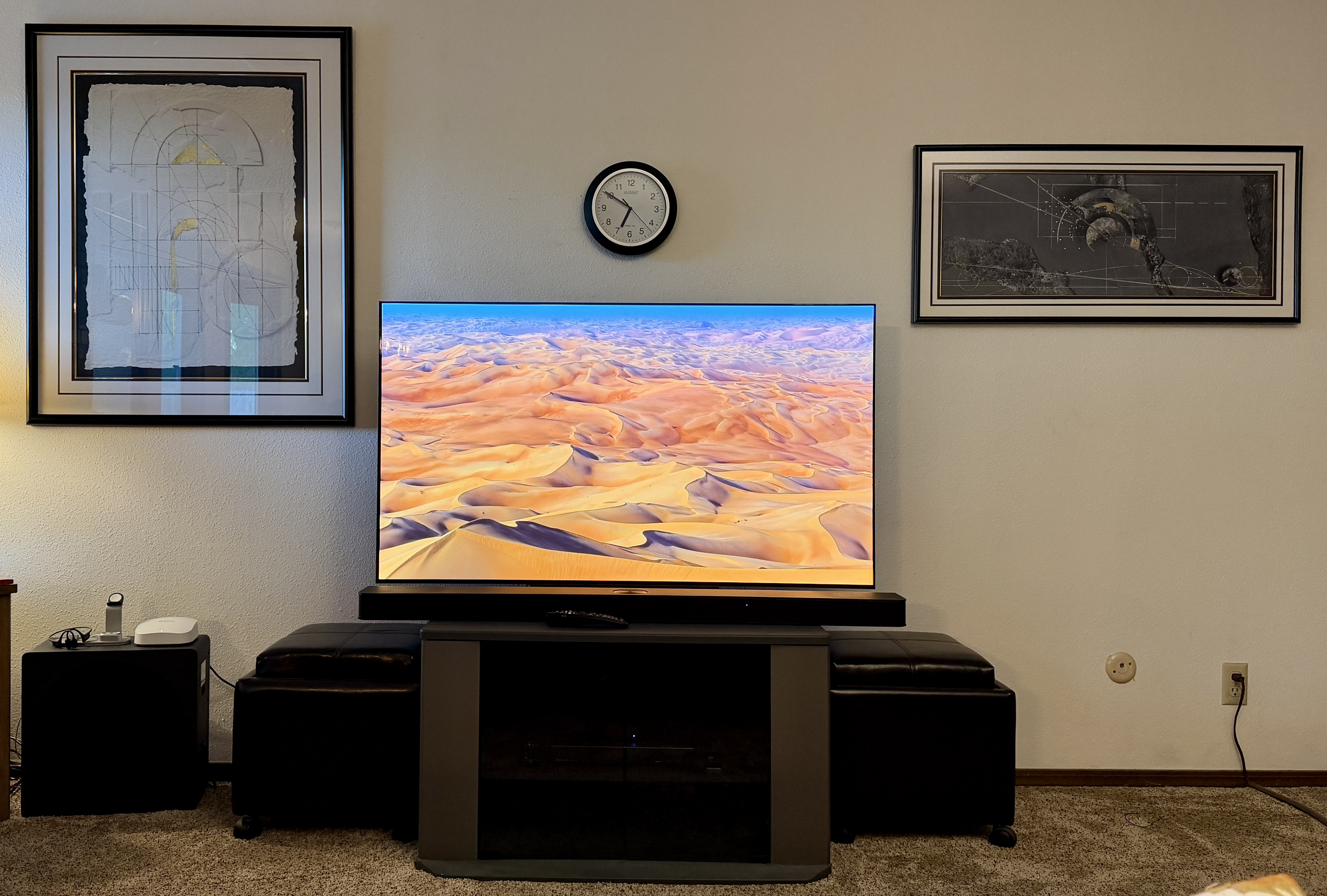
The television’s picture quality was great, although I could tell it was adjusting the color tone a few seconds after some menus were displayed. There are various settings for different picture modes with automatic adjustments, and I authorized it to use various settings with certain sources that are supposed to provide a more accurate picture. Over time I’ll see if movies viewed on the UHD 4K Blu-Ray player and various streaming services look okay.
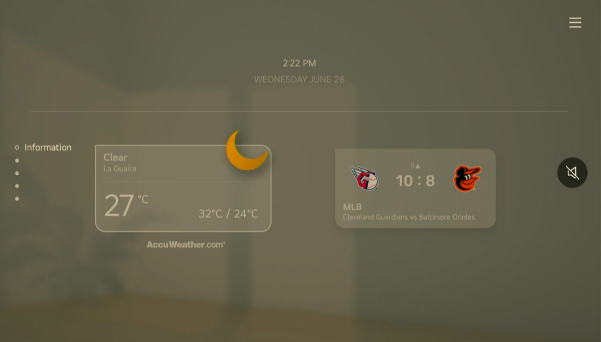
I tried the Always Ready feature, which can display graphics or information when the television is not in active use, much like a Google Home Hub Display. The default graphics were not impressive, others required a ridiculously pricey subscription, and the informational display choice could show the time, date, and weather, but it also insisted on showing sports information which does not interest me one bit. I could program the Sports app to only show upcoming OKC Thunder games, rather than random sporting events, but I don’t care about those, either. I decided to save energy and avoid distractions by turning Always Ready back off.
Regional Programming
Losing the antenna meant that I wanted a convenient way to still watch OETA, Oklahoma’s public television network, and see newscasts from Tulsa television stations in case of severe weather or other emergencies. I knew I could get apps for those on our 2018 Apple TV 4K box, but I first checked out what I could access on the over 400 LG channels that are available on the set.
LG Offerings
I found ABC News Live on IP-120, CBS News 24/7 on IP-122, NBC News NOW on IP-121, CNN Headlines International on IP-125, and Reuters on IP-128, and programmed them along with TODAY All Day on IP-167 into a Favorites group. I also added Local Now Tulsa on IP-157 and KJRH 2 News Oklahoma on IP-156.
There are also free Pluto TV channels dedicated to reruns in the genres of action, romance, comedy, horror, westerns, and crime dramas, plus various movie channels. Some channels are dedicated to reruns of an old series. Plus I can use the Pluto TV app on the TV, distinct from the LG channels. I’m told there are also lots of free channels and shows available on the Roku and Tubi apps. That means I have oodles of free options, as well as our YouTube Premium and Apple One and Amazon Prime Video subscriptions, to assuage the loss of broadcast TV.
Apple TV
I really wanted easier access to OETA than its website streaming, and I noticed that the TV was willing to install an Apple TV app. I was interested in that since Apple just ended support for the 2015 Apple TV HD boxes, so my 2017 Apple TV 4K box probably has only a couple of years left on it. However, I discovered that while the Apple TV app on the television could do Airplay and provide access to my Apple video purchases and subscription, it did not support third-party apps.
So I hooked the Apple TV 4K box into one of the TV’s HDMI ports and installed the PBS app on it. For convenient access, I also added three regional news apps:
- 2 News Oklahoma KJRH Tulsa
- News on 6
- Fox23 News Tulsa
There is a Tulsa’s Channel 8 app for iOS, but they don’t offer a version for Apple TV. Oh well, I have no use for Sinclair Broadcast Group anyway, which no longer even has a Tulsa news studio.
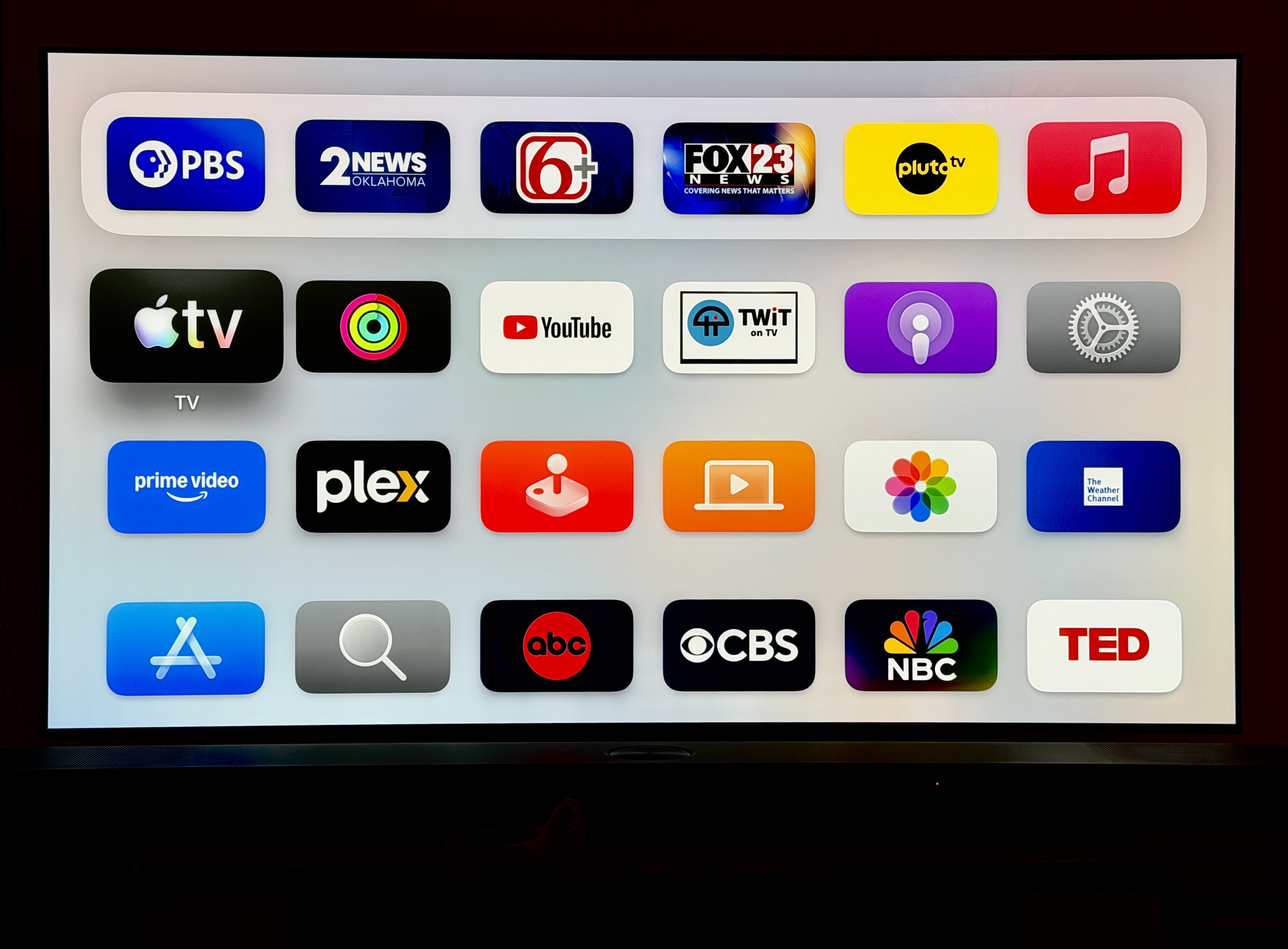
So after I retire, if I want to watch something on the TV, thanks to the Apple TV, the LG channels, as well as the YouTube, Amazon Prime, Pluto, Roku, and Tubi apps, I’ll have more options than Carter has pills, even without a rooftop antenna.
OCTOBER 2026 UPDATE: Six months later, I contracted with INCO Electric to electrify a shed we added to the backyard. Since that means they will be running wiring from the main breaker panel and house ground across the attic to a soffit near where the television antenna comes into the house, I have asked them to try to bond the antenna ground to the house ground. If all goes well, I can then hook the antenna lead and the booster back up to restore linear broadcasts to the television and the HDHomeRun. I’ll let ya know if it all works out.








Quite a adventure story, Mr. M! In the future, I hope Zeus finds somewhere else to hang out.